_811205.png)
_e196d8.png)
_32b3d9.png)
_1c53fe.png)

Tesla is still planning to bring Apple's CarPlay to its vehicles, but a compatibility issue between Apple Maps and Tesla's own navigation software has held things up, according to Bloomberg's Mark Gurman.
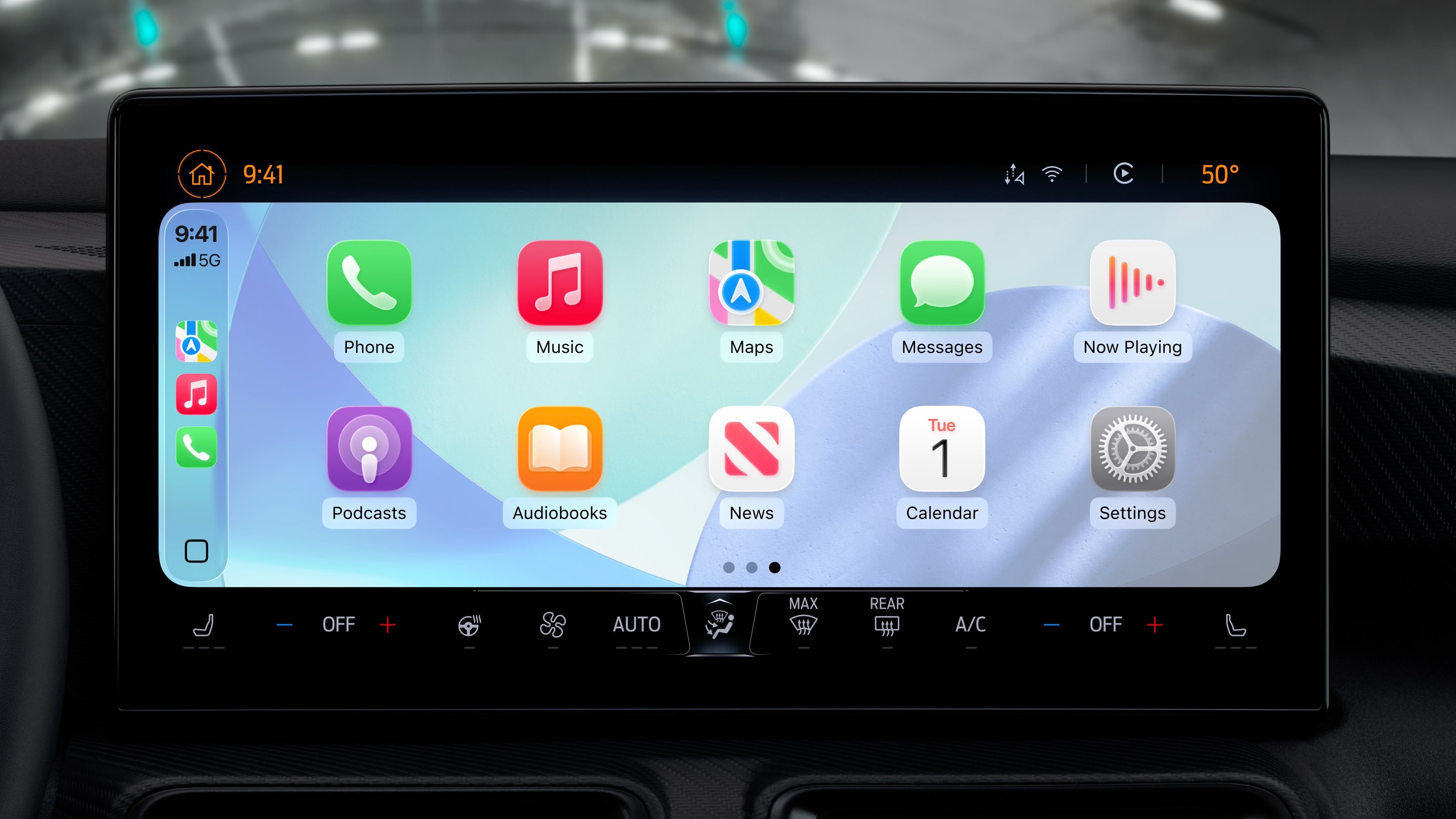
Writing in his latest Power On newsletter, Gurman says that Tesla found during testing that turn-by-turn directions from its maps app didn't sync up properly with Apple Maps during autonomous driving. That could be confusing for drivers, who could potentially have both navigation apps open side by side, since CarPlay is expected to run in a window within Tesla's existing software interface.
Gurman says that Tesla asked Apple to make engineering changes to Maps to solve the problem. Apple reportedly agreed, and shipped a fix in an iOS 26 update, but adoption of the new software has been slower than usual. Apple last week said that iOS 26 is now running on 74% of iPhones released in the last four years, just behind the 76% that iOS 18 had reached by January 2025.
Tesla had originally aimed to add CarPlay by the end of 2025, according to Gurman. It's quite the reversal for Tesla and its CEO Elon Musk, who have long ignored customer requests to implement CarPlay. But the feature is apparently seen as a potential sales driver – Tesla's infotainment system is widely considered the best in the business, but CarPlay is still a must-have for a lot of car buyers.

This article, "Tesla's CarPlay Plans Delayed by Apple Maps Compatibility Issue" first appeared on MacRumors.com
Discuss this article in our forums
Writing in his latest Power On newsletter, Gurman says that Tesla found during testing that turn-by-turn directions from its maps app didn't sync up properly with Apple Maps during autonomous driving. That could be confusing for drivers, who could potentially have both navigation apps open side by side, since CarPlay is expected to run in a window within Tesla's existing software interface.
Gurman says that Tesla asked Apple to make engineering changes to Maps to solve the problem. Apple reportedly agreed, and shipped a fix in an iOS 26 update, but adoption of the new software has been slower than usual. Apple last week said that iOS 26 is now running on 74% of iPhones released in the last four years, just behind the 76% that iOS 18 had reached by January 2025.
Tesla had originally aimed to add CarPlay by the end of 2025, according to Gurman. It's quite the reversal for Tesla and its CEO Elon Musk, who have long ignored customer requests to implement CarPlay. But the feature is apparently seen as a potential sales driver – Tesla's infotainment system is widely considered the best in the business, but CarPlay is still a must-have for a lot of car buyers.
This article, "Tesla's CarPlay Plans Delayed by Apple Maps Compatibility Issue" first appeared on MacRumors.com
Discuss this article in our forums
Recommended Comments
Join the conversation
You can post now and register later. If you have an account, sign in now to post with your account.