_811205.png)
_e196d8.png)
_32b3d9.png)
_1c53fe.png)

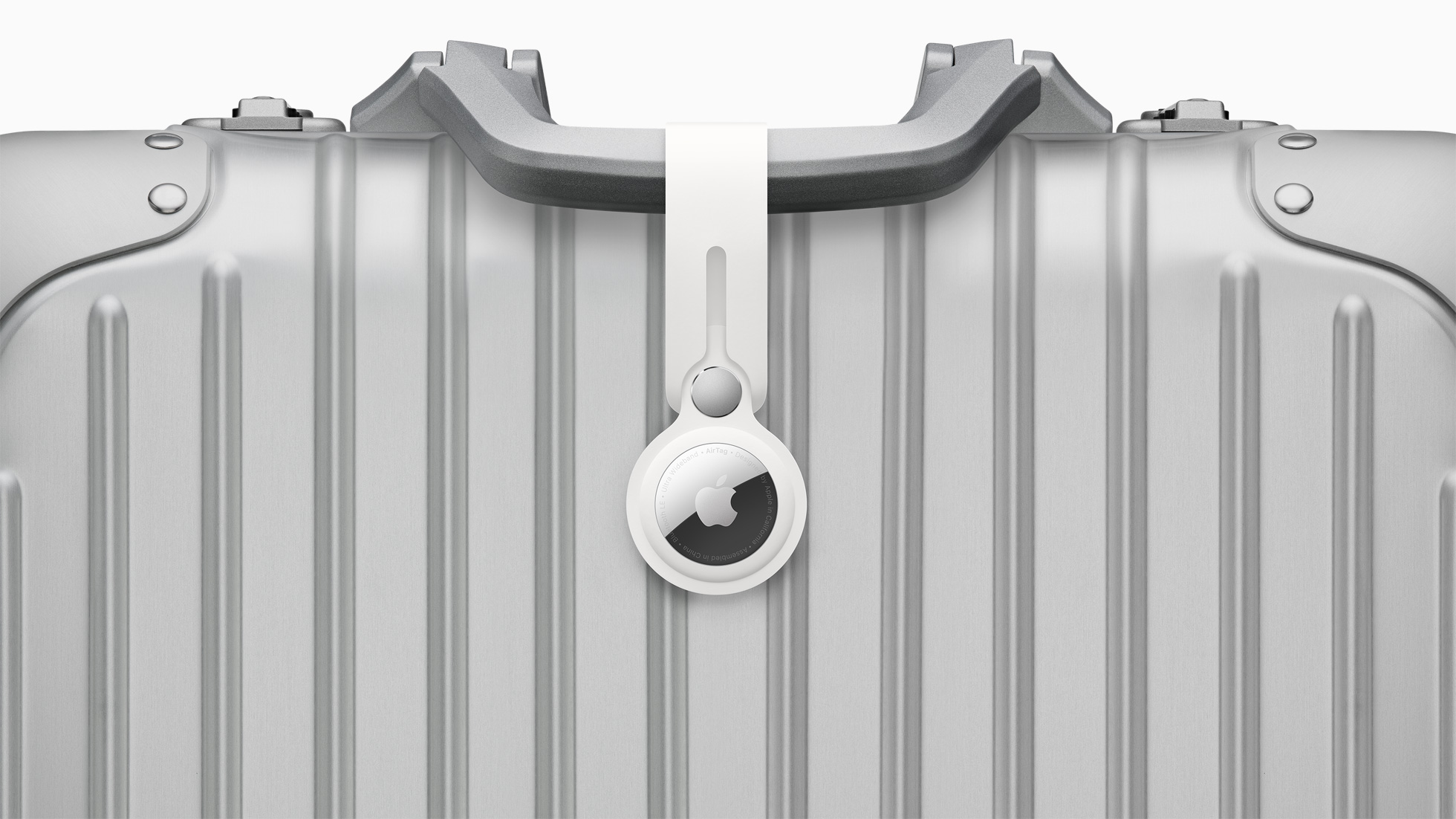
On iOS 18.2 and later, there is a Share Item Location feature in the Find My app that allows you to temporarily share the location of an AirTag-equipped item with others, including employees at participating airlines. This way, if you put an AirTag inside your bags, the airline can better help you find them in the event they are lost or delayed at the airport.
The feature also works with other item trackers that support Apple's Find My network, such as those sold by Chipolo and Pebblebee.
iPhone, iPad, and Mac users running iOS 18.2, iPadOS 18.2, and macOS Sequoia 15.2 or later can generate a "Share Item Location" link in the Find My app. Anyone they share the link with can then view a web page with a location of the item on a map. The page will automatically update with the item's latest known location.
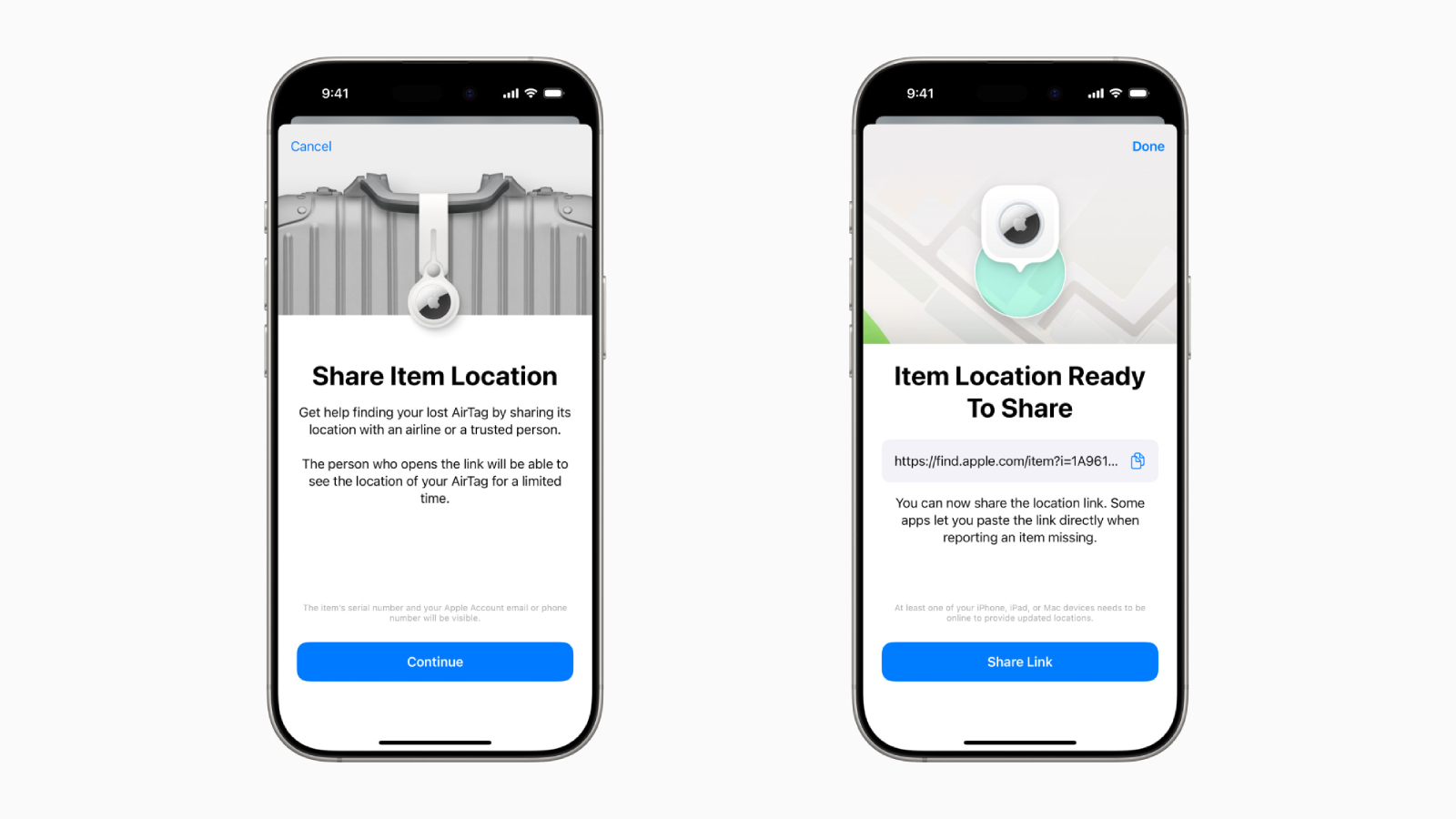
The item's location stops being shared "as soon as a user is reunited with their item," or automatically expires after seven days.
Apple today announced that the Share Item Location feature is now supported by 36 airlines around the world, and we expect more to follow in the future.
Below, we have listed all of the airlines that support the feature:
Aer Lingus
Air Canada
Air France
Air India
Air New Zealand
American Airlines
Austrian Airlines
Breeze Airways
British Airways
Brussels Airlines
Cathay Pacific
Condor
Copa Airlines
China Airlines
Delta
Eurowings
Finnair
Flair Airlines
Iberia
JetBlue
KLM
LATAM Airlines
Lufthansa
Pegasus Airlines
Porter Airlines
Qantas
Saudia
Singapore Airlines
SunExpress
SWISS
Turkish Airlines
United
Virgin Atlantic
Vueling
WestJet
This article, "These 36 Airlines Offer iPhone Feature That Helps Find Your Lost Bags" first appeared on MacRumors.com
Discuss this article in our forums
The feature also works with other item trackers that support Apple's Find My network, such as those sold by Chipolo and Pebblebee.
iPhone, iPad, and Mac users running iOS 18.2, iPadOS 18.2, and macOS Sequoia 15.2 or later can generate a "Share Item Location" link in the Find My app. Anyone they share the link with can then view a web page with a location of the item on a map. The page will automatically update with the item's latest known location.
The item's location stops being shared "as soon as a user is reunited with their item," or automatically expires after seven days.
Apple today announced that the Share Item Location feature is now supported by 36 airlines around the world, and we expect more to follow in the future.
Below, we have listed all of the airlines that support the feature:
- AJet
Aer Lingus
Air Canada
Air France
Air India
Air New Zealand
American Airlines
Austrian Airlines
Breeze Airways
British Airways
Brussels Airlines
Cathay Pacific
Condor
Copa Airlines
China Airlines
Delta
Eurowings
Finnair
Flair Airlines
Iberia
JetBlue
KLM
LATAM Airlines
Lufthansa
Pegasus Airlines
Porter Airlines
Qantas
Saudia
Singapore Airlines
SunExpress
SWISS
Turkish Airlines
United
Virgin Atlantic
Vueling
WestJet
This article, "These 36 Airlines Offer iPhone Feature That Helps Find Your Lost Bags" first appeared on MacRumors.com
Discuss this article in our forums
Recommended Comments
Join the conversation
You can post now and register later. If you have an account, sign in now to post with your account.