_811205.png)
_e196d8.png)
_32b3d9.png)
_1c53fe.png)

Two of Apple's retail stores in the U.S. will be relocating later this month, although they will only be a short distance from their existing locations.
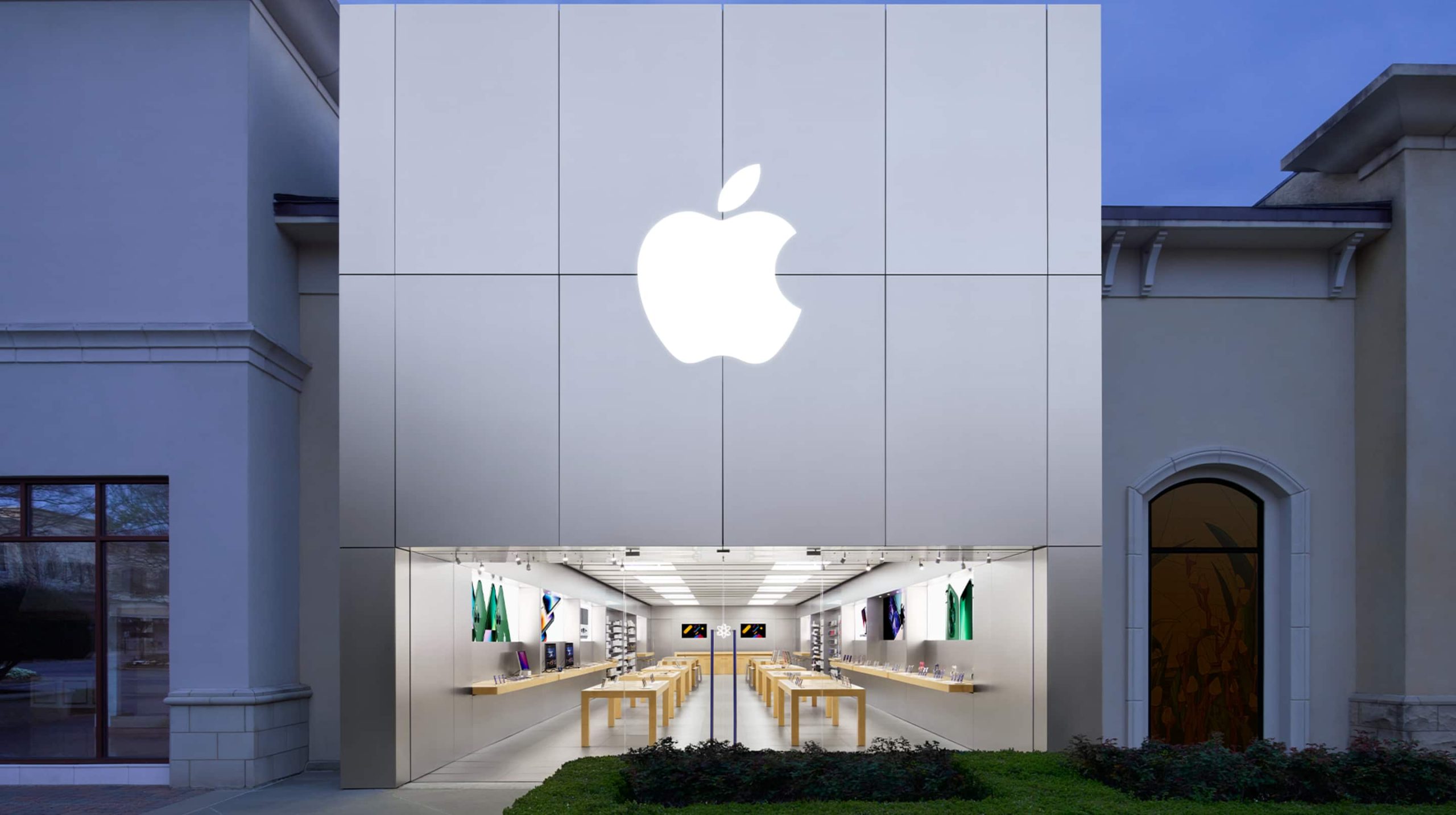 Apple Renaissance at Colony Park
Apple Queens Center in Elmhurst, New York is moving to a temporary location in the shopping mall on Friday, July 17 at 10 a.m. local time, presumably to allow for renovations to be completed at the existing store over the coming months.
Apple Renaissance at Colony Park in Ridgeland, Mississippi is moving to a new spot within the same shopping center on Friday, July 24 at 10 a.m. local time. Apple's new storefront will be located right in front of the Show Fountain.
This article, "Two Apple Stores in U.S. Are Moving Soon" first appeared on MacRumors.com
Discuss this article in our forums
Apple Renaissance at Colony ParkApple Queens Center in Elmhurst, New York is moving to a temporary location in the shopping mall on Friday, July 17 at 10 a.m. local time, presumably to allow for renovations to be completed at the existing store over the coming months.
Apple Renaissance at Colony Park in Ridgeland, Mississippi is moving to a new spot within the same shopping center on Friday, July 24 at 10 a.m. local time. Apple's new storefront will be located right in front of the Show Fountain.
Tag: Apple Store
This article, "Two Apple Stores in U.S. Are Moving Soon" first appeared on MacRumors.com
Discuss this article in our forums
Recommended Comments
Join the conversation
You can post now and register later. If you have an account, sign in now to post with your account.