_811205.png)
_e196d8.png)
_32b3d9.png)
_1c53fe.png)

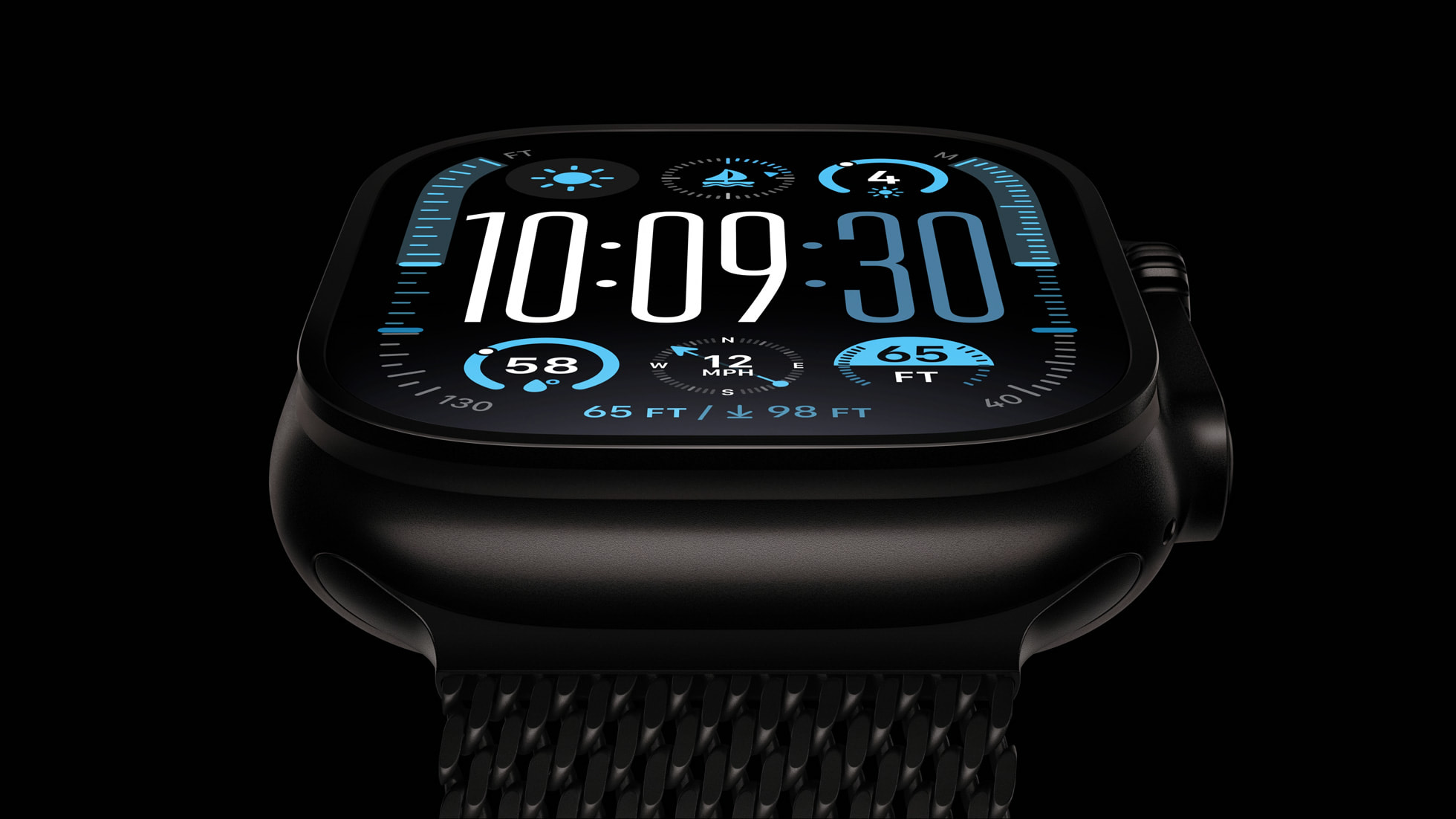
watchOS 26.5 fixes two Apple Watch bugs, according to Apple's release notes for the update, which is expected to be released next week.
Apple fixed bugs in the Messages and Workout apps:
Given that the watchOS 26.5 Release Candidate was seeded this week, it is likely that Apple will make the update available to all users next week.
This article, "watchOS 26.5 Fixes Two Apple Watch Bugs" first appeared on MacRumors.com
Discuss this article in our forums
Apple fixed bugs in the Messages and Workout apps:
• Fixes an issue where Messages on Apple Watch may use SMS instead of iMessage when paired with a dual SIM iPhoneThe notes also mention the new Pride Luminance watch face available on watchOS 26.5. The watch face has a customizable layout and colors.
• Fixes an issue where Workout app audio alerts could fail to play if the phone was not nearby Apple Watch
Given that the watchOS 26.5 Release Candidate was seeded this week, it is likely that Apple will make the update available to all users next week.
Related Roundups: Apple Watch 11, watchOS 26
Buyer's Guide: Apple Watch (Neutral)
Related Forum: Apple Watch
This article, "watchOS 26.5 Fixes Two Apple Watch Bugs" first appeared on MacRumors.com
Discuss this article in our forums
Recommended Comments
Join the conversation
You can post now and register later. If you have an account, sign in now to post with your account.