_811205.png)
_e196d8.png)
_32b3d9.png)
_1c53fe.png)

WhatsApp announced three new group chat features today, expanding how users can interact and add context to their role within conversations involving many participants.
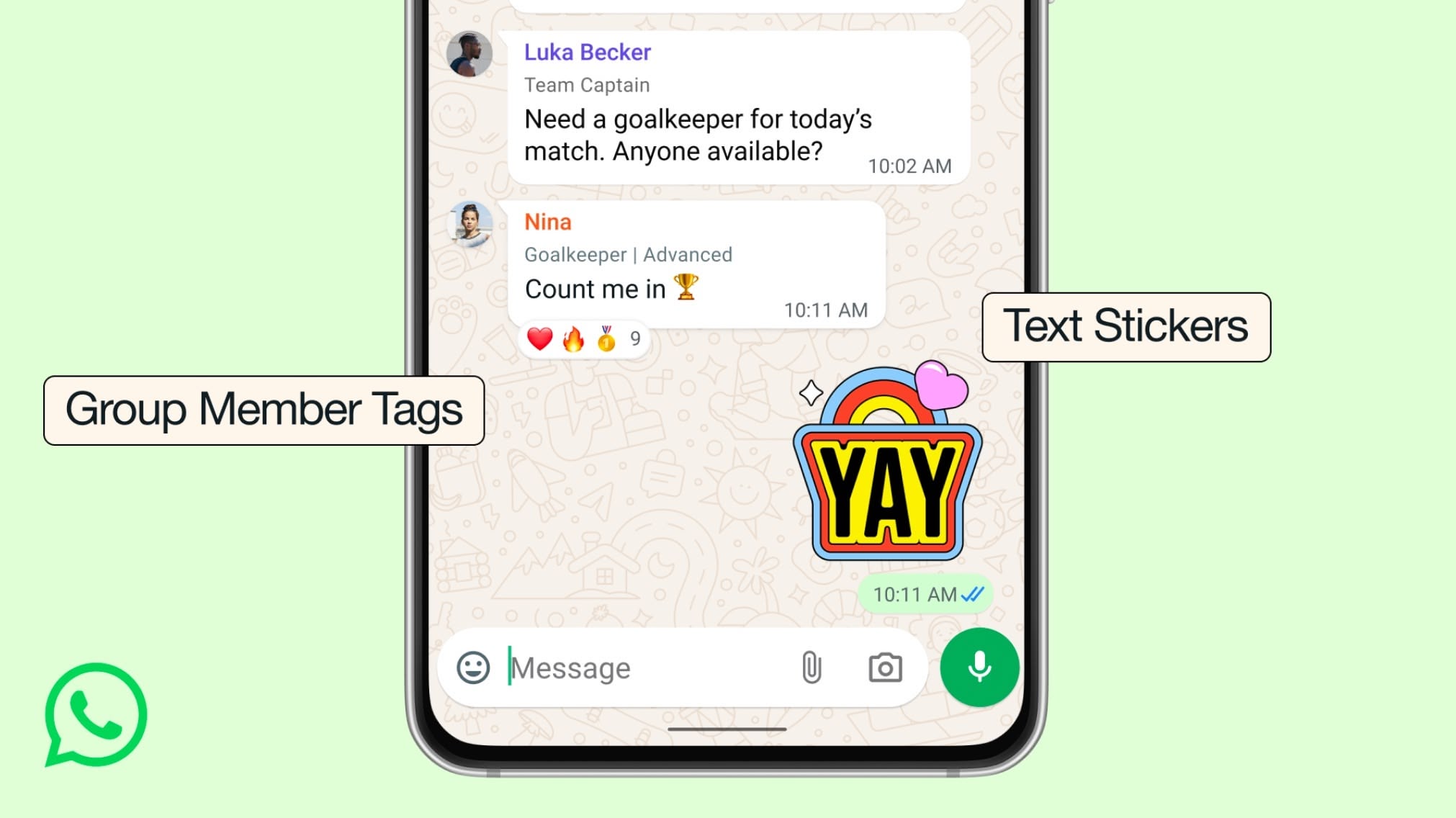
The Meta-owned messaging app is rolling out Member Tags, Text Stickers, and Event Reminders, all of which are designed to give group chats more flexibility and organization.
Member Tags let you assign yourself different roles in different group chats for more context – so you can be "Coach" in one thread and "Dad" in another, for example. Meanwhile, Text Stickers instantly turn typed words into sticker graphics that users can then save to custom packs.
Lastly, with Event Reminders, now when you create and send an event in your group chat you can set custom early reminders for your invitees. Meta says that "this helps everyone remember to commute to the party you're hosting or hop on the call at the right time."
The new group chat features are available to WhatsApp users worldwide, and follow other recent upgrades to the chat platform, including third-party chat support in the EU and WhatsApp for Apple Watch.
This article, "WhatsApp Enhances Group Chats With Three New Features" first appeared on MacRumors.com
Discuss this article in our forums
The Meta-owned messaging app is rolling out Member Tags, Text Stickers, and Event Reminders, all of which are designed to give group chats more flexibility and organization.
Member Tags let you assign yourself different roles in different group chats for more context – so you can be "Coach" in one thread and "Dad" in another, for example. Meanwhile, Text Stickers instantly turn typed words into sticker graphics that users can then save to custom packs.
Lastly, with Event Reminders, now when you create and send an event in your group chat you can set custom early reminders for your invitees. Meta says that "this helps everyone remember to commute to the party you're hosting or hop on the call at the right time."
The new group chat features are available to WhatsApp users worldwide, and follow other recent upgrades to the chat platform, including third-party chat support in the EU and WhatsApp for Apple Watch.
Tag: WhatsApp
This article, "WhatsApp Enhances Group Chats With Three New Features" first appeared on MacRumors.com
Discuss this article in our forums
Recommended Comments
Join the conversation
You can post now and register later. If you have an account, sign in now to post with your account.