_811205.png)
_e196d8.png)
_32b3d9.png)
_1c53fe.png)

Facebook-owned messaging app WhatsApp was today updated with expanded support for CarPlay. CarPlay users are able to more easily call and message their friends and family members in WhatsApp directly from the car interface.
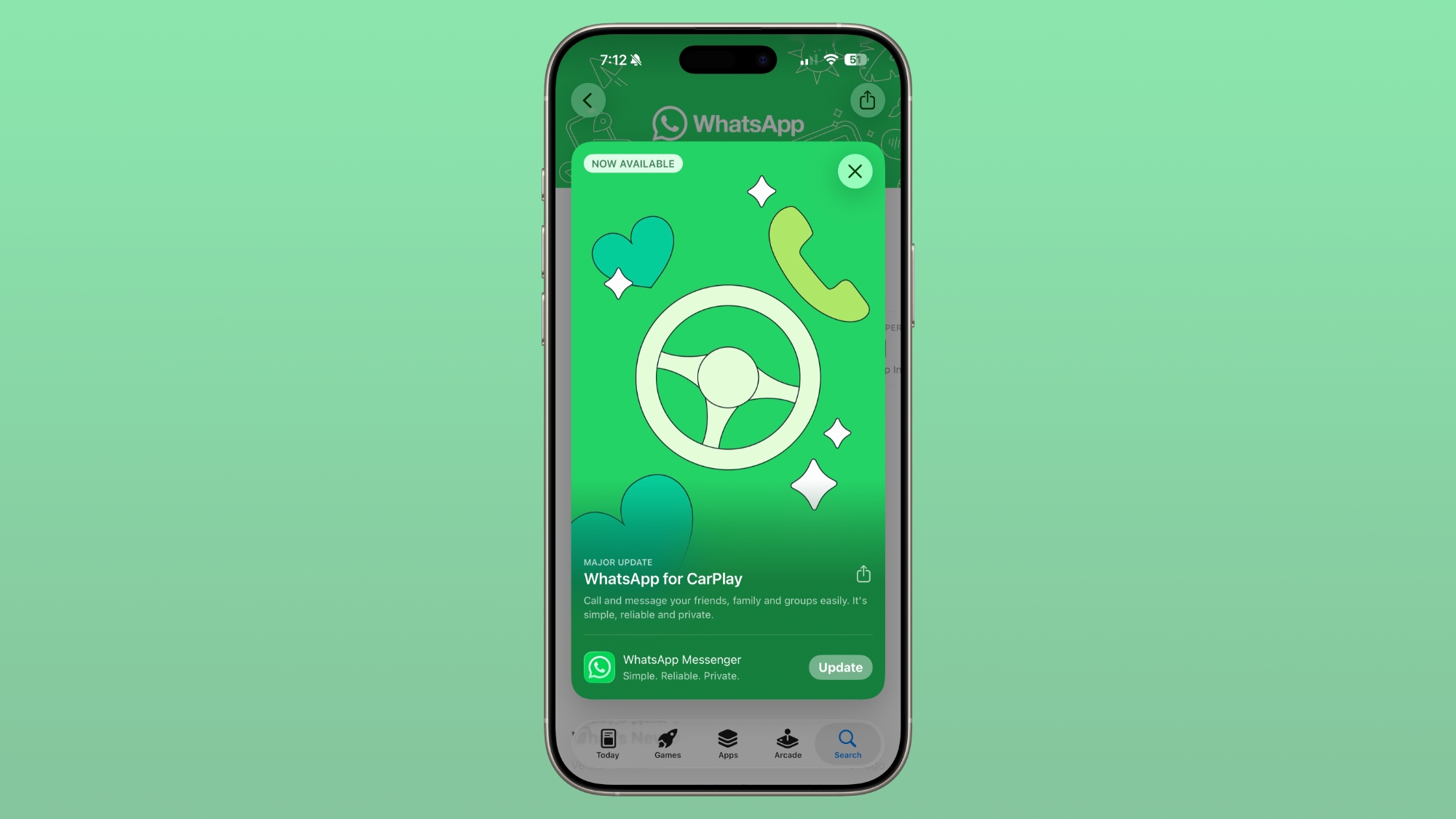
WhatsApp had CarPlay integration before, but with limited Siri-based functionality. The new app has a full native CarPlay interface with a list of recent chats and call history, along with a tab for favorite contacts. There are quick access buttons for sending a message via dictation or placing a call, which makes it easier to communicate.
The updated WhatsApp CarPlay app has been in testing since last week. WhatsApp users can access the new CarPlay app by updating WhatsApp on the iPhone to the latest version and then connecting the device to a CarPlay-compatible vehicle.
This article, "WhatsApp Gets New CarPlay App" first appeared on MacRumors.com
Discuss this article in our forums
WhatsApp had CarPlay integration before, but with limited Siri-based functionality. The new app has a full native CarPlay interface with a list of recent chats and call history, along with a tab for favorite contacts. There are quick access buttons for sending a message via dictation or placing a call, which makes it easier to communicate.
The updated WhatsApp CarPlay app has been in testing since last week. WhatsApp users can access the new CarPlay app by updating WhatsApp on the iPhone to the latest version and then connecting the device to a CarPlay-compatible vehicle.
Related Roundup: CarPlay
Tag: WhatsApp
Related Forum: HomePod, HomeKit, CarPlay, Home & Auto Technology
This article, "WhatsApp Gets New CarPlay App" first appeared on MacRumors.com
Discuss this article in our forums
Recommended Comments
Join the conversation
You can post now and register later. If you have an account, sign in now to post with your account.