_811205.png)
_e196d8.png)
_32b3d9.png)
_1c53fe.png)

WhatsApp is rolling out a new optional security feature called Strict account settings, which is designed to protect users who may be targeted by sophisticated cyberattacks.
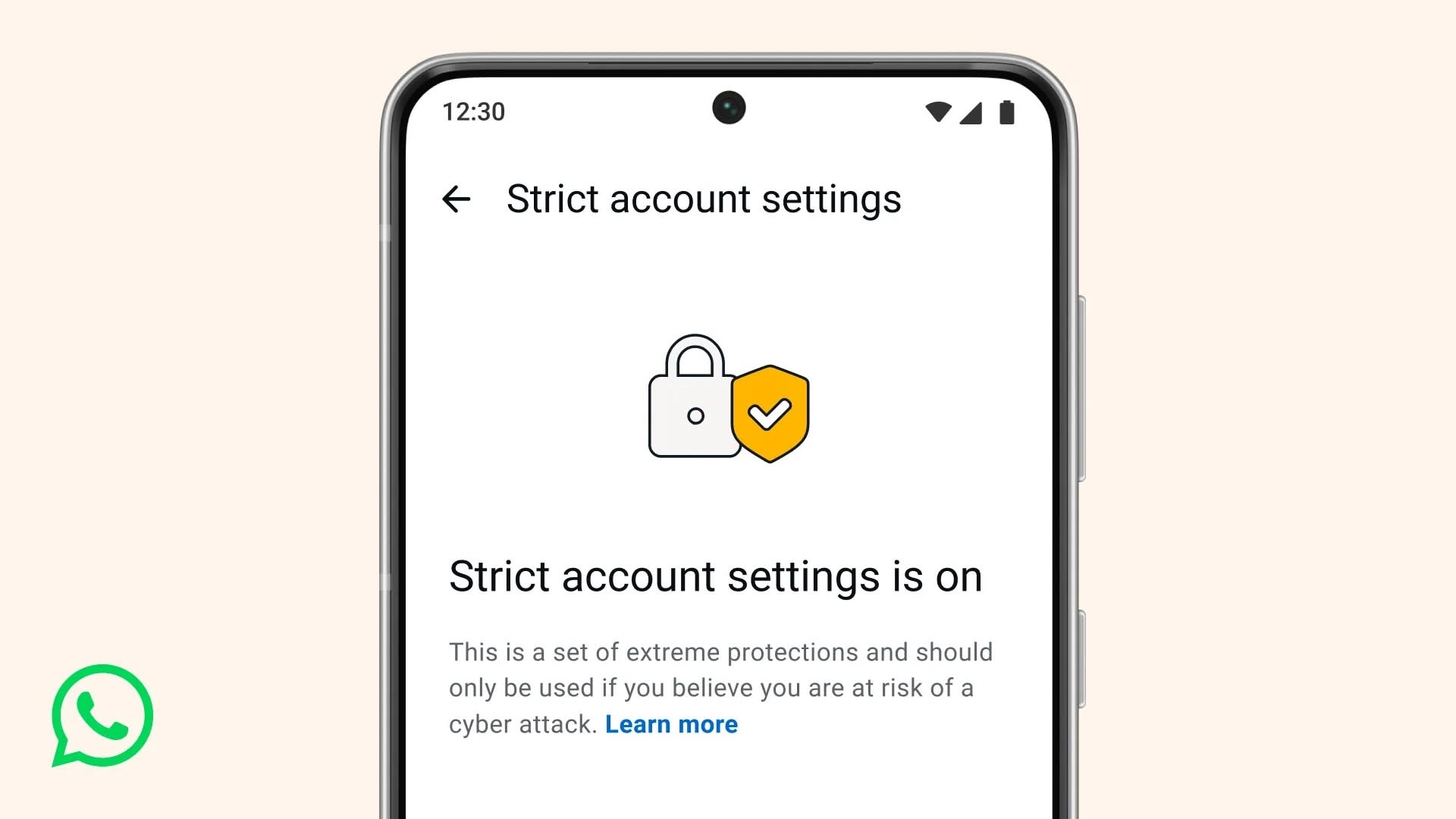
Similar in spirit to Apple's Lockdown Mode for iPhone, the feature is aimed primarily at journalists, activists, and public-facing figures. Once enabled, the setting locks various account options to their most restrictive settings.
For example, WhatsApp will automatically block attachments and media from senders who aren't in your contacts, reducing potential vectors for spyware or malicious files. Here's WhatsApp's support explanation about other settings that are impacted:
WhatsApp also noted that it has transitioned parts of its codebase to Rust, a programming language known for its memory safety features. The company says this change helps protect photos, videos, and messages from spyware. More technical details are available on Meta's engineering blog.
This article, "WhatsApp Launches Strict Account Settings for High-Risk Users" first appeared on MacRumors.com
Discuss this article in our forums
Similar in spirit to Apple's Lockdown Mode for iPhone, the feature is aimed primarily at journalists, activists, and public-facing figures. Once enabled, the setting locks various account options to their most restrictive settings.
For example, WhatsApp will automatically block attachments and media from senders who aren't in your contacts, reducing potential vectors for spyware or malicious files. Here's WhatsApp's support explanation about other settings that are impacted:
Strict account settings can be found in Settings ➝ Privacy ➝ Advanced. When it shows up for you could depend on your location, as WhatsApp says the rollout is happening gradually over the coming weeks. Bear in mind that you can't control Strict account settings from WhatsApp Web – it can only be accessed from your primary device.
- Account security: Two-step verification is turned on. Security notifications are turned on and locked. End-to-end encrypted backups are encouraged for users with backups enabled.
Messaging and media: Link previews are turned off. Blocking high volumes of unknown account messages is turned on.
Profile and presence: Your Last seen and online, Profile photo, About details, and links on your profile are locked to contacts only or to your pre-established, more-selective list of people.
Groups: Only known contacts or a pre-established, more-selective list of people can add you to groups.
WhatsApp also noted that it has transitioned parts of its codebase to Rust, a programming language known for its memory safety features. The company says this change helps protect photos, videos, and messages from spyware. More technical details are available on Meta's engineering blog.
Tag: WhatsApp
This article, "WhatsApp Launches Strict Account Settings for High-Risk Users" first appeared on MacRumors.com
Discuss this article in our forums
Recommended Comments
Join the conversation
You can post now and register later. If you have an account, sign in now to post with your account.