_811205.png)
_e196d8.png)
_32b3d9.png)
_1c53fe.png)

It is now July and we are still waiting for Apple to begin its annual Back to School offer in countries like the U.S. and Canada — if it is still coming.
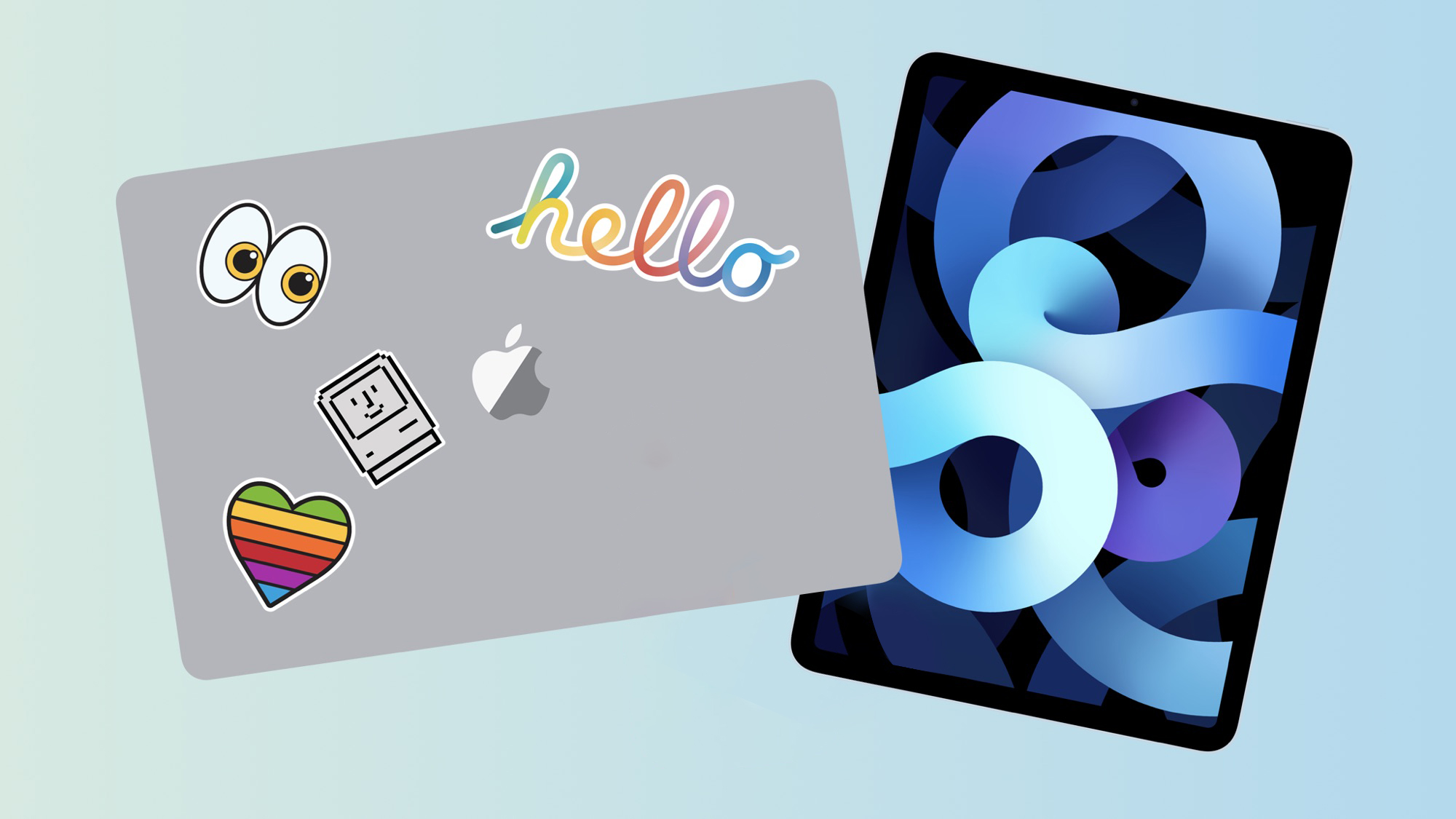
In the U.S., Apple launched its Back to School offer in June from 2020 through 2025, but it has waited until July in the more distant past:
2025: June 17
2024: June 20
2023: June 5
2022: June 24
2021: June 17
2020: June 15
2019: July 9
2018: July 12
2017: July 12Last year, college students and educational staff could receive a free accessory like AirPods 4 or an Apple Pencil Pro with the purchase of a qualifying Mac or iPad model. It is unclear what Apple plans to offer this year, but given the company recently raised prices on all Macs and iPads, this year's promotion would be rather bittersweet.
Bloomberg's Mark Gurman reported that Apple planned to launch its 2026 Back to School offer by last week, but that did not end up happening. Apple may have decided to hold off until July this year in order to give customers more time to digest the price increases that it implemented last month, but we are merely speculating.
Given the offer launched between July 9 and July 12 in 2017 through 2019, hopefully the 2026 offer arrives over the next few days.
UNiDAYS verification is now required on Apple's education store in the U.S. and Canada.
This article, "When is Apple's 2026 Back to School Offer?" first appeared on MacRumors.com
Discuss this article in our forums
In the U.S., Apple launched its Back to School offer in June from 2020 through 2025, but it has waited until July in the more distant past:
2025: June 17
2024: June 20
2023: June 5
2022: June 24
2021: June 17
2020: June 15
2019: July 9
2018: July 12
2017: July 12Last year, college students and educational staff could receive a free accessory like AirPods 4 or an Apple Pencil Pro with the purchase of a qualifying Mac or iPad model. It is unclear what Apple plans to offer this year, but given the company recently raised prices on all Macs and iPads, this year's promotion would be rather bittersweet.
Bloomberg's Mark Gurman reported that Apple planned to launch its 2026 Back to School offer by last week, but that did not end up happening. Apple may have decided to hold off until July this year in order to give customers more time to digest the price increases that it implemented last month, but we are merely speculating.
Given the offer launched between July 9 and July 12 in 2017 through 2019, hopefully the 2026 offer arrives over the next few days.
UNiDAYS verification is now required on Apple's education store in the U.S. and Canada.
This article, "When is Apple's 2026 Back to School Offer?" first appeared on MacRumors.com
Discuss this article in our forums
Recommended Comments
Join the conversation
You can post now and register later. If you have an account, sign in now to post with your account.