_811205.png)
_e196d8.png)
_32b3d9.png)
_1c53fe.png)

A major storm system is expected to deliver significant snowfall and freezing rain across more than half of the United States this weekend, with winter weather alerts in effect in cities like Atlanta, Baltimore, Boston, Charlotte, Cleveland, Dallas, Indianapolis, Nashville, New York, Philadelphia, Raleigh, Washington D.C., and others.
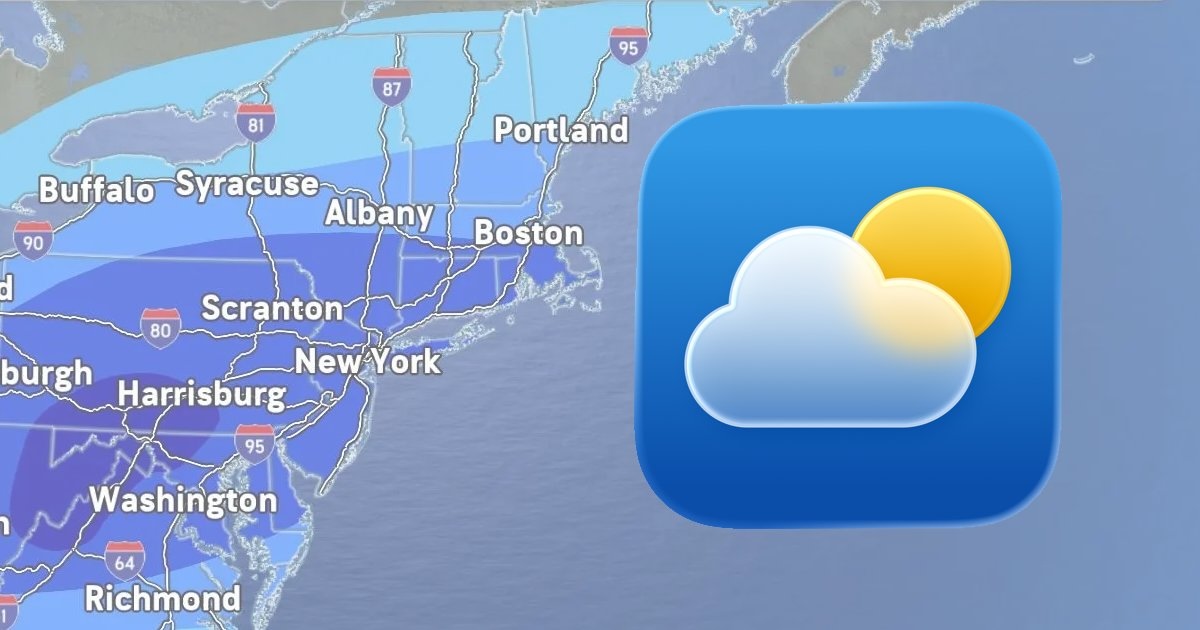
On the iPhone, iPad, and Mac, the Apple Weather app has forecasted up to two feet of snowfall in some cities, which has led to a lot of discussion on social media platforms like Reddit. However, as The New York Times noted, meteorologists caution that it can be difficult to forecast specific precipitation amounts several days in advance of a storm.
As the low-pressure system approaches, and its path becomes more clear, snowfall amounts shown in the Apple Weather app have decreased in many cities compared to what was originally forecasted. In some areas, there may only be freezing rain and sleet. By all accounts, though, the storm is shaping up to be a significant event.
What is behind the Apple Weather app's forecasts?
In 2020, Apple acquired the popular weather app Dark Sky, and it has since integrated the app's features and hyperlocal forecasts into the Apple Weather app. In a support document, however, Apple says that it still gathers at least some weather data from sources including the U.S. National Weather Service, The Weather Channel, and others.
In the U.S., you can receive severe weather and next-hour precipitation notifications on your iPhone by opening the Apple Weather app, tapping on the list icon in the bottom-right corner, tapping on the three dots in the top-right corner, selecting Notifications, and turning on both types of notifications under Current Location.
This article, "Why is the Apple Weather App on the iPhone Predicting So Much Snow?" first appeared on MacRumors.com
Discuss this article in our forums
On the iPhone, iPad, and Mac, the Apple Weather app has forecasted up to two feet of snowfall in some cities, which has led to a lot of discussion on social media platforms like Reddit. However, as The New York Times noted, meteorologists caution that it can be difficult to forecast specific precipitation amounts several days in advance of a storm.
As the low-pressure system approaches, and its path becomes more clear, snowfall amounts shown in the Apple Weather app have decreased in many cities compared to what was originally forecasted. In some areas, there may only be freezing rain and sleet. By all accounts, though, the storm is shaping up to be a significant event.
What is behind the Apple Weather app's forecasts?
In 2020, Apple acquired the popular weather app Dark Sky, and it has since integrated the app's features and hyperlocal forecasts into the Apple Weather app. In a support document, however, Apple says that it still gathers at least some weather data from sources including the U.S. National Weather Service, The Weather Channel, and others.
In the U.S., you can receive severe weather and next-hour precipitation notifications on your iPhone by opening the Apple Weather app, tapping on the list icon in the bottom-right corner, tapping on the three dots in the top-right corner, selecting Notifications, and turning on both types of notifications under Current Location.
Tag: Apple Weather
This article, "Why is the Apple Weather App on the iPhone Predicting So Much Snow?" first appeared on MacRumors.com
Discuss this article in our forums
Recommended Comments
Join the conversation
You can post now and register later. If you have an account, sign in now to post with your account.