_811205.png)
_e196d8.png)
_32b3d9.png)
_1c53fe.png)

Apple's Worldwide Developers Conference (WWDC) starts today with the traditional keynote kicking things off at 10:00 a.m. Pacific Time. MacRumors is on hand for the event and we'll be sharing details and our thoughts throughout the day.
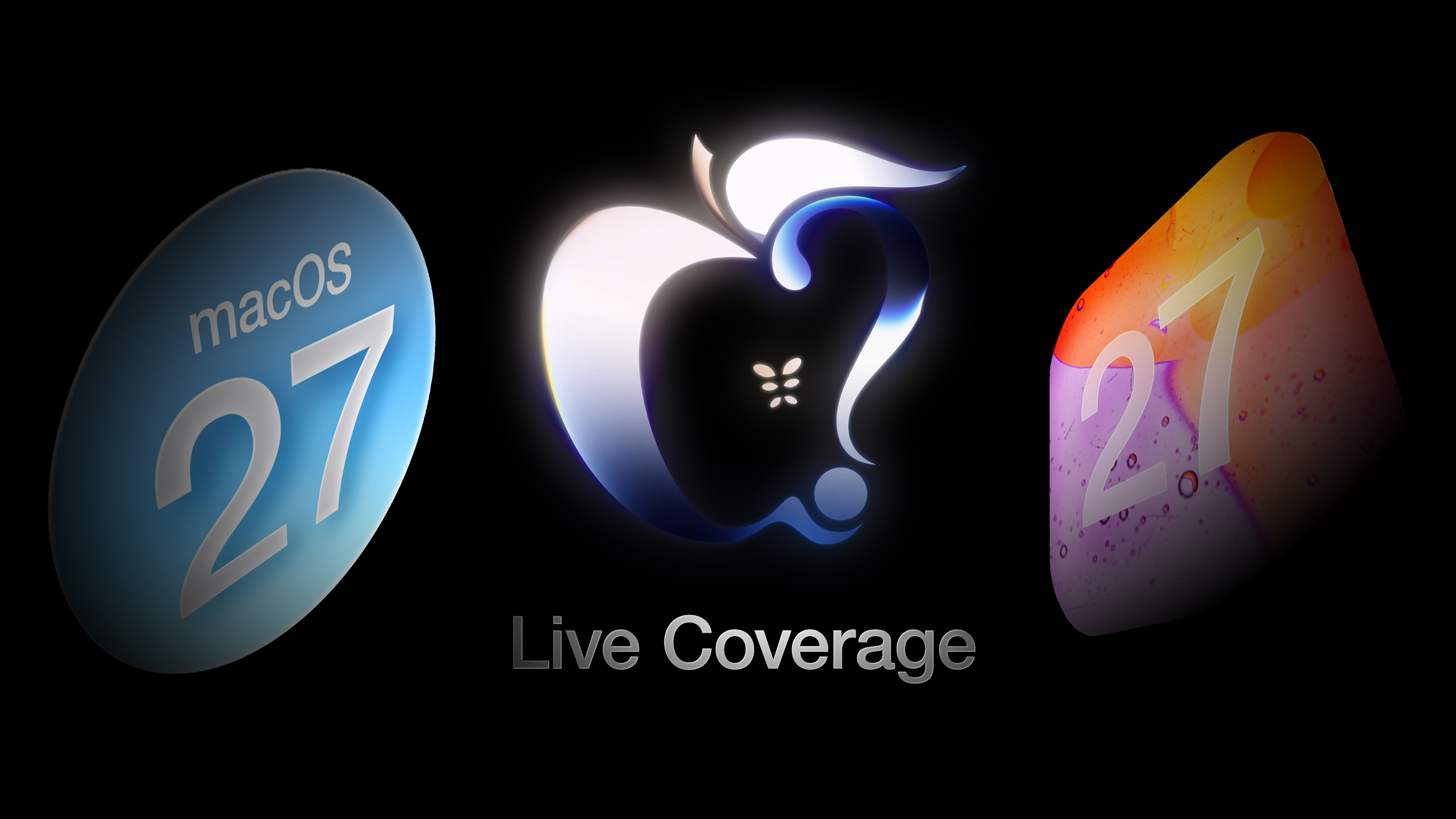
We're expecting to see a number of software-related announcements today, headlined by a reset on Apple's push into AI that should see a significant overhaul for Siri plus quite a few new AI-driven features.
Apple is providing a live video stream on its website, on YouTube, and in the company's TV and Developer apps across its platforms. We will also be updating this article with live blog coverage and issuing Twitter updates through our @MacRumorsLive account as the keynote unfolds. Highlights from the event and separate news stories regarding today's announcements will go out through our @MacRumors account.
Sign up for our newsletter to keep up with Apple news and rumors.
Live Updates - No need to refresh
This article, "WWDC 2026 Apple Event Live Keynote Coverage: iOS 27, Revamped Siri, and More" first appeared on MacRumors.com
Discuss this article in our forums
We're expecting to see a number of software-related announcements today, headlined by a reset on Apple's push into AI that should see a significant overhaul for Siri plus quite a few new AI-driven features.
Apple is providing a live video stream on its website, on YouTube, and in the company's TV and Developer apps across its platforms. We will also be updating this article with live blog coverage and issuing Twitter updates through our @MacRumorsLive account as the keynote unfolds. Highlights from the event and separate news stories regarding today's announcements will go out through our @MacRumors account.
Sign up for our newsletter to keep up with Apple news and rumors.
Live Updates - No need to refresh
Loading live updates...
Tags: Apple Event, Siri
Related Forum: Apple, Inc and Tech Industry
This article, "WWDC 2026 Apple Event Live Keynote Coverage: iOS 27, Revamped Siri, and More" first appeared on MacRumors.com
Discuss this article in our forums
Recommended Comments
Join the conversation
You can post now and register later. If you have an account, sign in now to post with your account.