_811205.png)
_e196d8.png)
_32b3d9.png)
_1c53fe.png)

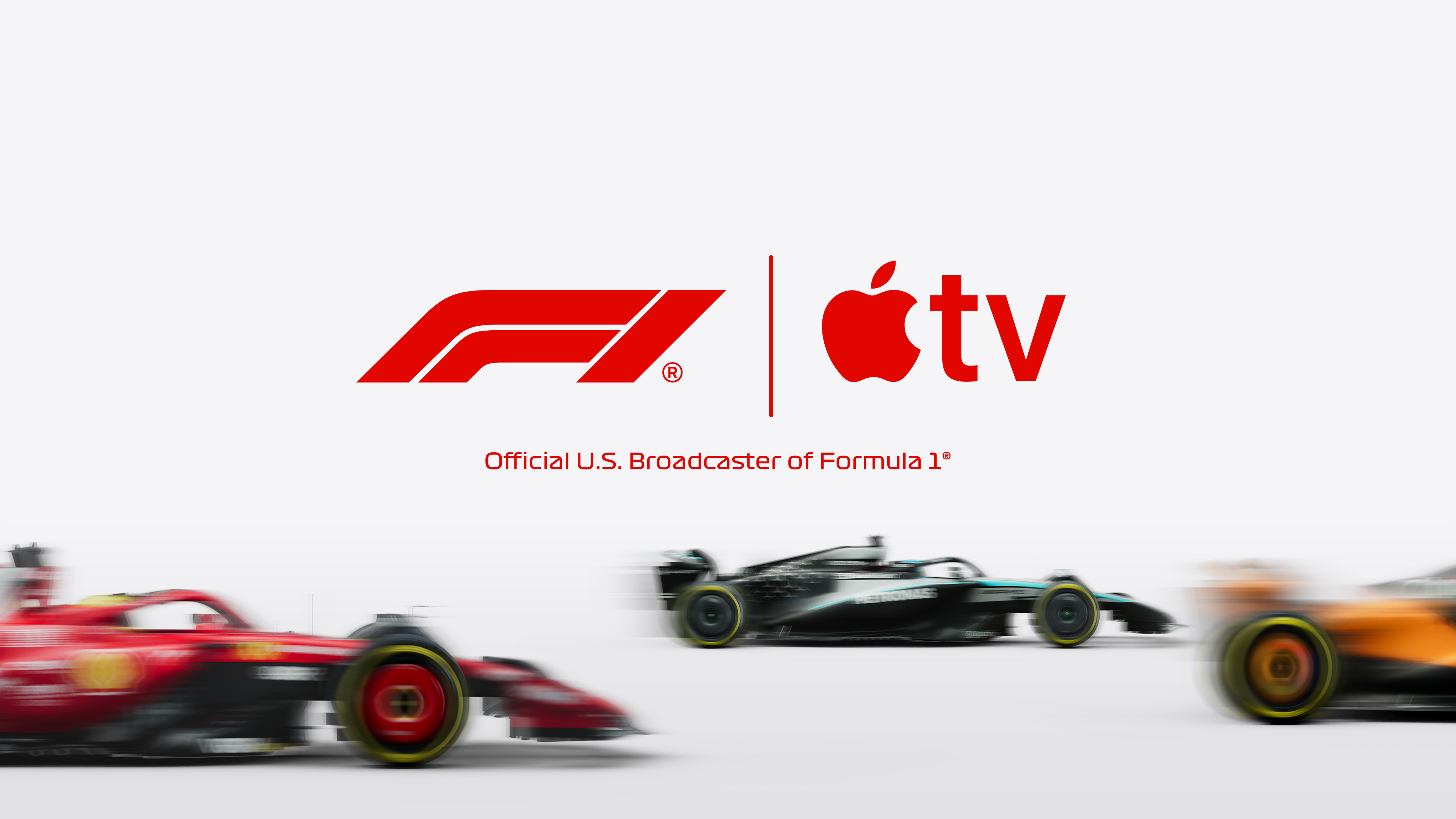 Apple today announced that every part of Formula 1's 2026 Austrian Grand Prix (June 26 to June 28) will be streamed live on the Apple TV streaming service for free.
U.S. viewers can watch all sessions — including practices, qualifying, and the Grand Prix — with no subscription required.
Related Roundup: Apple TV
Buyer's Guide: Apple TV (Don't Buy)
Related Forum: Apple TV and Home Theater
This article, "You Can Watch All of F1's 2026 Austrian Grand Prix For Free on Apple TV" first appeared on MacRumors.com
Discuss this article in our forums
Recommended Comments
Join the conversation
You can post now and register later. If you have an account, sign in now to post with your account.